How Slashy Triages Email Before You Even See It
A look at the memory system that decides what reaches you, what waits, and what never should.

Dhruv Roongta
May 8, 2026 · 3 min read
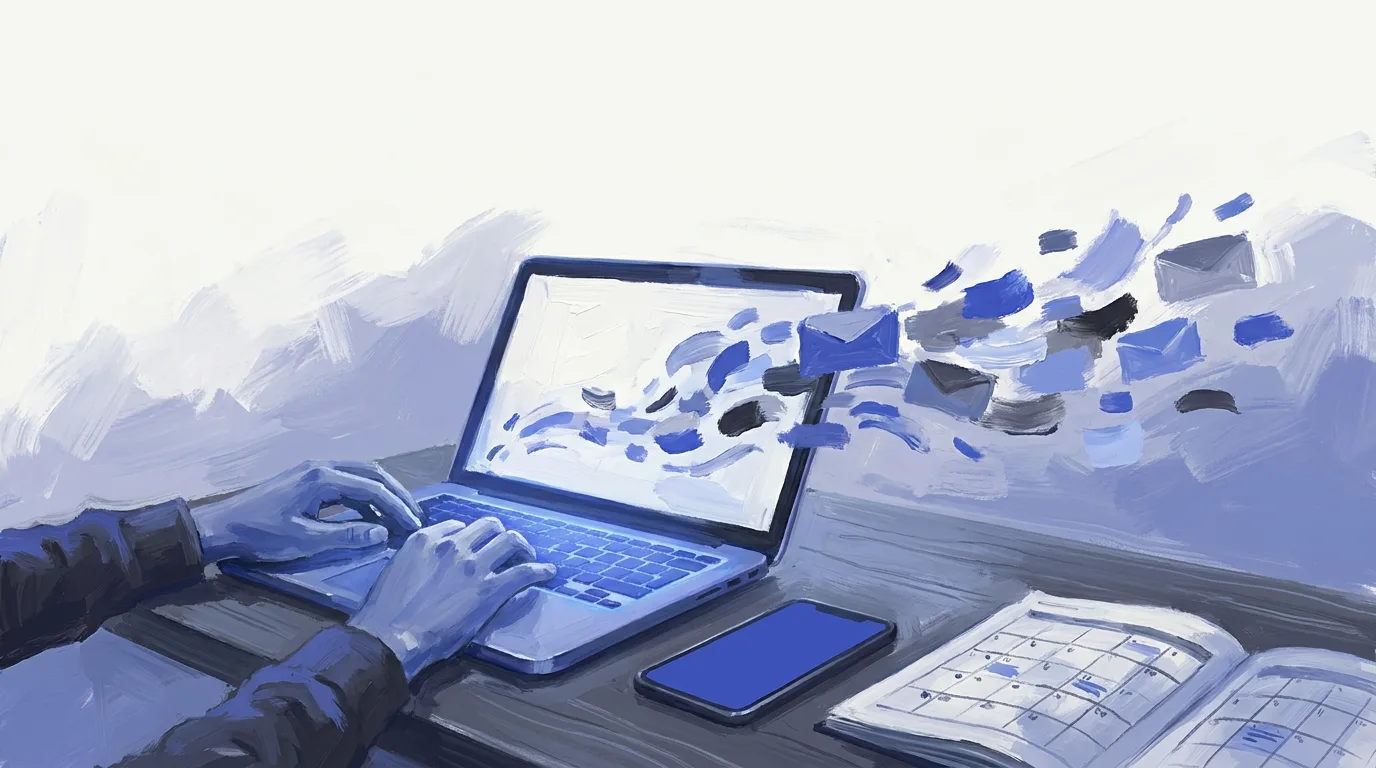
Slashy auto-labels inbound mail into Important, Calendar, Billing, Newsletter, Order, Other and Work, then surfaces the threads that need you first. The classification is trained on your behavior by the same memory system that drafts your replies, so what reaches you, what waits, and what never should are decided before you open the inbox.
Why this matters
Email is where most knowledge work actually happens, yet the tools treat it as a dumb list. An intelligent inbox changes the unit of work from "messages" to "outcomes." That shift compounds the more it learns about how you actually communicate.
How Slashy approaches it
Slashy was built AI-native from the first commit. The in-house memory system adapts continuously to the email you send, receive, and respond to, so drafting, triage, and scheduling get sharper over weeks rather than stalling at day-one accuracy.
What to do next
Start a trial and let the memory system watch one week of real inbox activity. The difference between day one and day thirty is the whole point.
Visit Slashy
AI-native email and calendar client for founders and operators.
Frequently asked questions
Have more questions? Visit our Help Center.
Related reading
- The Email Client With a Memory System
- AI Email for Sales Teams in 2026
- AI Email Management: How to Automate Your Inbox in 2026
Connect Gmail or Outlook and see Slashy with your own email.
Gmail and Outlook in One Inbox on Mac and iPhone
How to read Gmail and Outlook in one inbox on a Mac and iPhone in 2026, why Gmail on the web no longer works for it, and what a unified client does differently.

How to Link Multiple Gmail Accounts (2026)
Google has four ways to link multiple Gmail accounts: the switcher, forwarding, Send as and delegation. What each does, where it stops, and what else works.
How to Manage Multiple Email Accounts in One Inbox
Gmail is ending POP and Gmailify for other accounts. Here are the four ways left to read multiple email accounts in one inbox in 2026 and where each breaks.
Let your inbox do the follow through
Slashy drafts replies, tracks what is waiting, and keeps important conversations moving.