Slashy vs Cora

Cora briefs you. Slashy answers the email.

Cora screens Gmail and sends you a brief twice a day. Slashy is the inbox you actually work in: sorted by what matters, the reply drafted from your meetings and CRM before you open the thread, and every reply you owe found for you. Gmail and Outlook.

7 day trial · credit card required · cancel any timeBacked by Y Combinator

Slashy vs Cora

Comparison based on publicly available product information (cora.computer) reviewed October 9, 2026. Features and pricing may change.

Cora
Screens incoming mail
Summary of what landedCora sends a Brief twice a day. Slashy can send a daily briefing over iMessage.
Archives low-priority mail automatically
AI drafts in your voice
A full email clientCora works on top of Gmail. Slashy replaces the client: inbox, labels, search, and calendar in one app.On top of Gmail
Outlook and Microsoft 365 accountscora.computer says Outlook and other email providers are not supported yet.Not supported
Drafts grounded in your CRM and meeting notes
Replies you owe, detected automatically
Run the inbox from iMessage and SlackCora takes instructions over chat or email. Its pages list no iMessage or Slack interface.
Calendar beside the inbox
Meeting prep and VIP alerts
Attio, HubSpot, and Salesforce
Open tracking

Reading about your inbox is not the same as working in it

The reply is waiting when you open the thread

A brief tells you what landed. Slashy has the reply written from the meeting you just had, the CRM record, and your past threads with this person, so you approve instead of compose.

Gavin Belson gavin@hooli.com
Acquisition Offer for Pied Piper
Your middle out algorithm is impressive. Hooli is prepared to offer $10 million for Pied Piper. This is a rare opportunity, Richard.Gavin BelsonCEO | Hooli
InterestedNeed more detailsNot interested

Before we proceed, I’d need to understand how this affects our IP and the team.

Send

Nobody waits on you without you knowing

Slashy spots the threads waiting on your reply and the ones gone quiet on their side, flags them by urgency, and can have the draft ready.

Replies you owe
Sarah ChenQ4 budget reviewUrgent3d
Mike TorresIntro to the Redpoint teamDue today1d
Acme LegalSigned contract attachedWaiting on them2d

Run it from your phone

Slashy pings you when someone who matters writes, and you can text back to draft, send, or schedule without opening the inbox.

I see you’re still in the 10:00 meeting with Mike, want me to let Jane know you’re gonna be late? yea sg, emailed her btw, she also went to GT, could be good to bring up :)

Handle your inbox from iMessage

  1. 01.Tell Slashy what you need

    Ask for a reply, a summary, or a follow up in plain language.

  2. 02.Slashy handles it in your inbox

    It finds the right thread, uses the full context, and sends the finished draft back in iMessage.

  3. 03.Review and approve

    Get the result by text, request changes, or send it without opening email.

Find Monica’s last email, draft a reply confirming Thursday at 10:00 AM, and attach the Pied Piper deck.
Found Monica’s thread. I’m using the full conversation to draft the reply.
Done. I used your last Raviga thread for context and attached the Pied Piper deck.
From:richard@piedpiper.comTo:monica@raviga.comCc:laurie@raviga.comHi Monica, Thursday at 10:00 AM works. I attached the Pied Piper deck.SendSend later
Want me to send it, or change anything first?
Send it
Sent.

Built for people who live in email

Shortcuts, scheduling, integrations, tracking, and team tools are built into the same intelligent inbox.
Bring your inbox into the AI tools you use
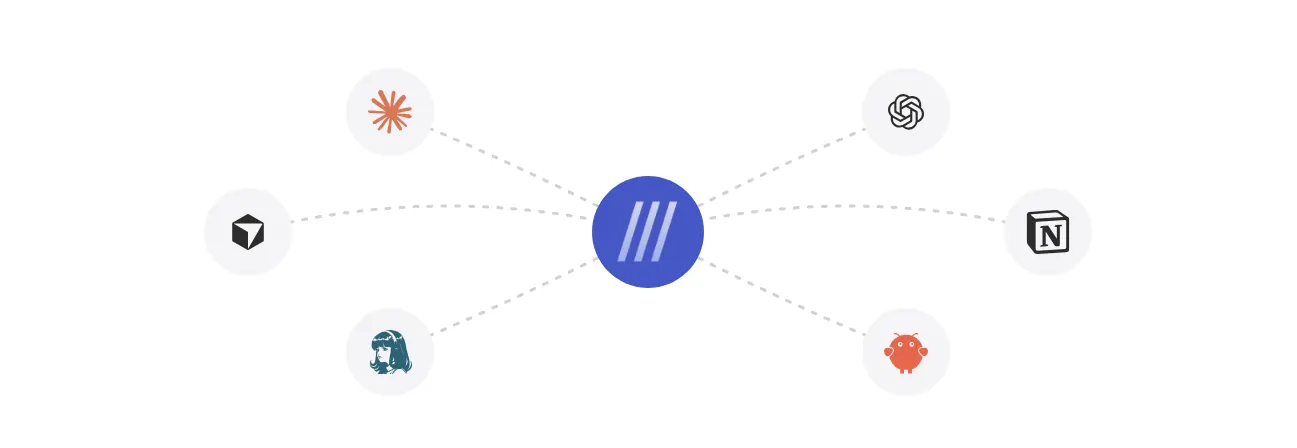
Slashy MCPBring your inbox into the AI tools you use
Book meetings from the thread
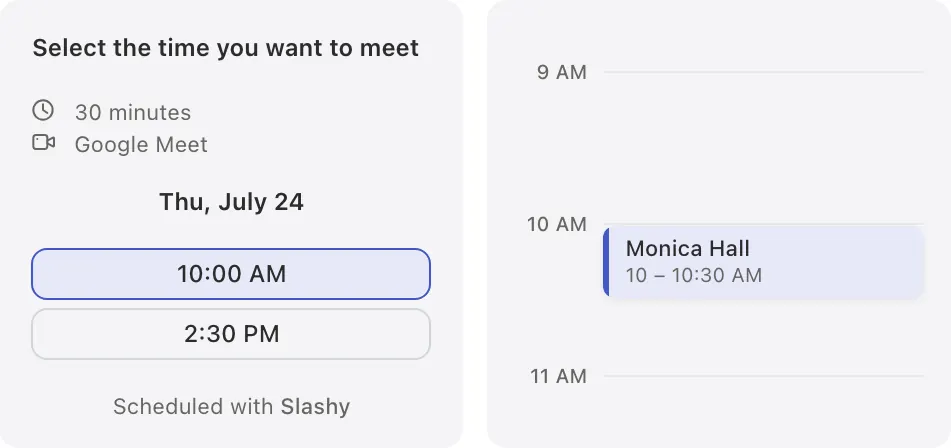
SchedulingBook meetings from the thread
Connect the tools around your inbox
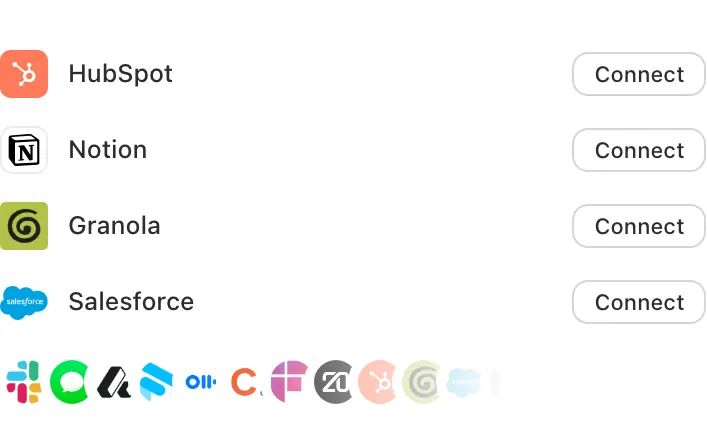
IntegrationsConnect the tools around your inbox
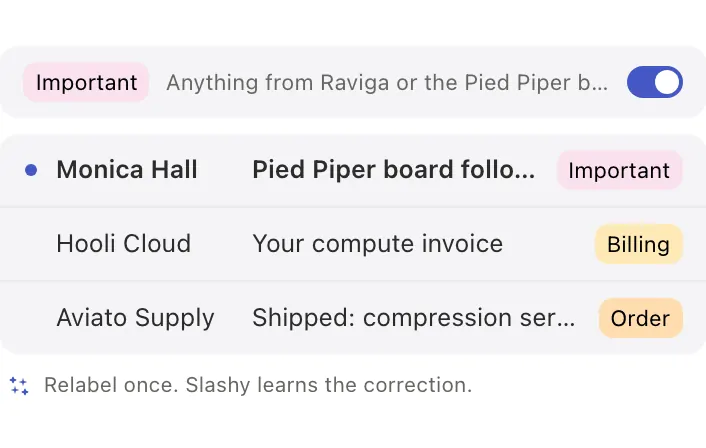
Set labels in plain English
Smart labelingSet labels in plain English
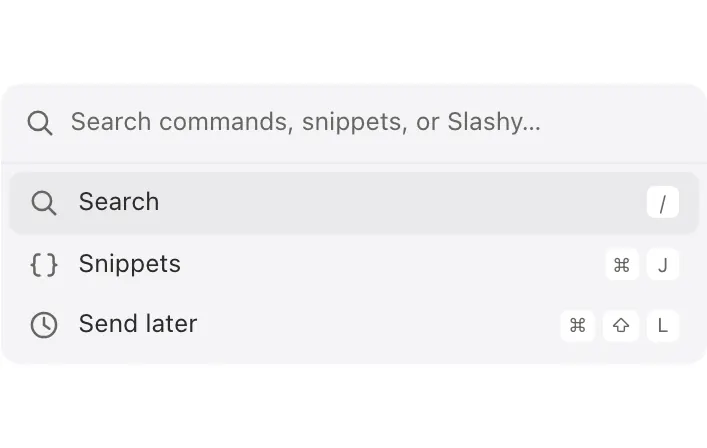
Every keyboard shortcut you expect
Power toolsEvery keyboard shortcut you expect
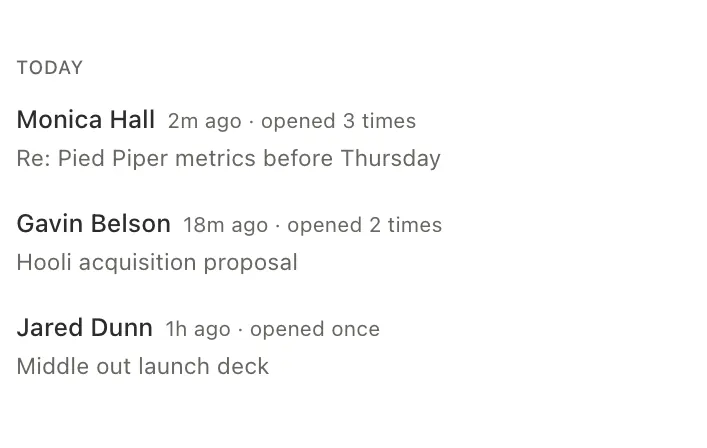
Know when your message lands
Recent opensKnow when your message lands
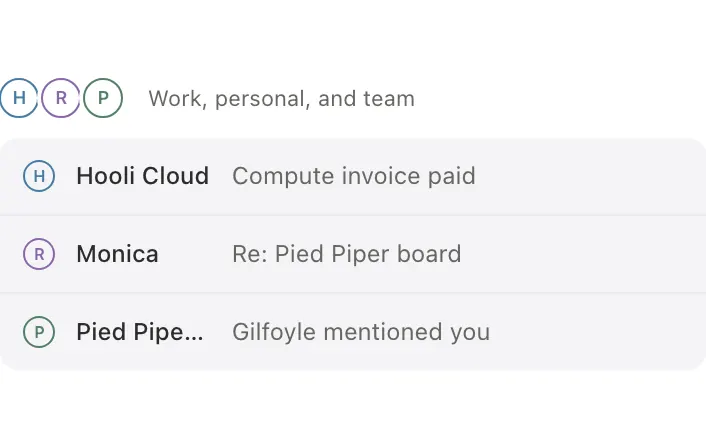
See every inbox in one calm view
Unified inboxSee every inbox in one calm view
Bring your team into any thread
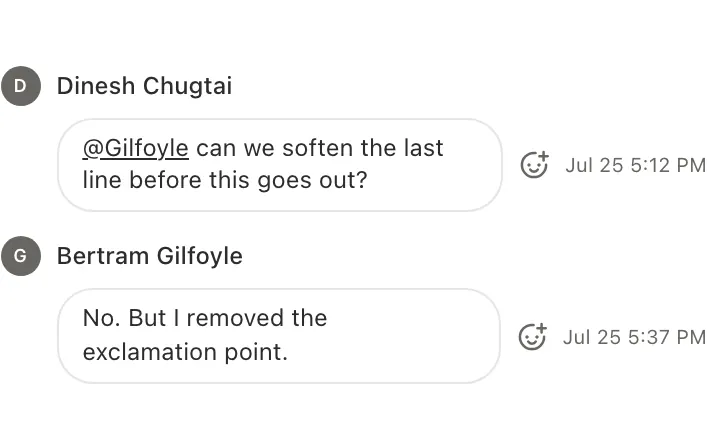
Team commentsBring your team into any thread

“The first email client that understands my style and lets me respond faster and more naturally.”

DevDevFounder of Wedge

Choose the plan that fits how you work

ProfessionalFor founders and growing teams that need one intelligent inbox across every account.
$25/user/mo.$30$300 billed annually
$30/user/mo.billed monthly
  • Intelligent drafts and rewrites
  • Multiple inboxes and calendars
  • Automations and reminders
  • iMessage, Slack, voice, and mobile access
Get started Get started
EnterpriseFor larger organizations that need advanced security, controls, and support.
CustomTailored to your organization
  • Everything in Professional
  • SSO and SCIM
  • Guided team onboarding
  • Custom security and data controls
Talk to sales

7 day trial · credit card required · cancel any time

Built with security from the ground up

Your data is encrypted, never used to train AI models, and protected by independently audited controls.

Encrypted in transit and at rest

Your data is encrypted in transit with TLS 1.2+ and at rest with AES 256 encryption.

SOC 2 Type II

Independent auditors evaluate our controls against the AICPA Trust Services Criteria for security and confidentiality.

No training on your data

Your emails are never used to train models. Our agreements require AI providers not to retain them.

Questions & answers

Does Slashy give me a clean inbox like Cora?
Yes. Slashy sorts incoming mail by importance into tabs, so only what needs you is in front of you, and then acts on top: drafting replies and tracking the ones you owe. Cora screens as mail arrives and briefs you twice a day; Slashy does its sorting inside the inbox you work in.
Does it work with Outlook?
Yes. Slashy works with Gmail, Google Workspace, Outlook.com, and Microsoft 365, on web, desktop, and iOS. There is a native Mac app, a fast web app, and a native iOS app, with Android coming soon.
How long does it take to switch?
Connect Gmail or Outlook with your existing sign-in and Slashy starts working. Nothing moves and nothing is migrated.
What does it cost?
Slashy is $30 a month, or $25 a month billed annually ($300 a year), for unlimited usage. The 7 day trial includes every feature, requires a credit card, and can be canceled any time.
Is my email data safe?
Yes. Slashy has completed a SOC 2 Type II audit and encrypts data in transit and at rest. Your email is never used to train AI models, and you can revoke access anytime.

Run Slashy next to Cora for a week

7 day trial · credit card required · cancel any time