AI Calendar Guide: Enhance Work-Life Balance with Smart Scheduling
Discover how AI calendars enhance work-life balance with smart scheduling, app integrations, and productivity boosts for 2026.

Harsha Gaddipati
May 21, 2026 · 8 min read
AI calendars cut the manual coordination that eats focus time by learning your scheduling preferences from real behavior, adapting when plans change, and connecting to the tools you already use. This guide covers the features that matter, how integrations work, what to check on privacy, and how teams have used adaptive scheduling to protect deep work.
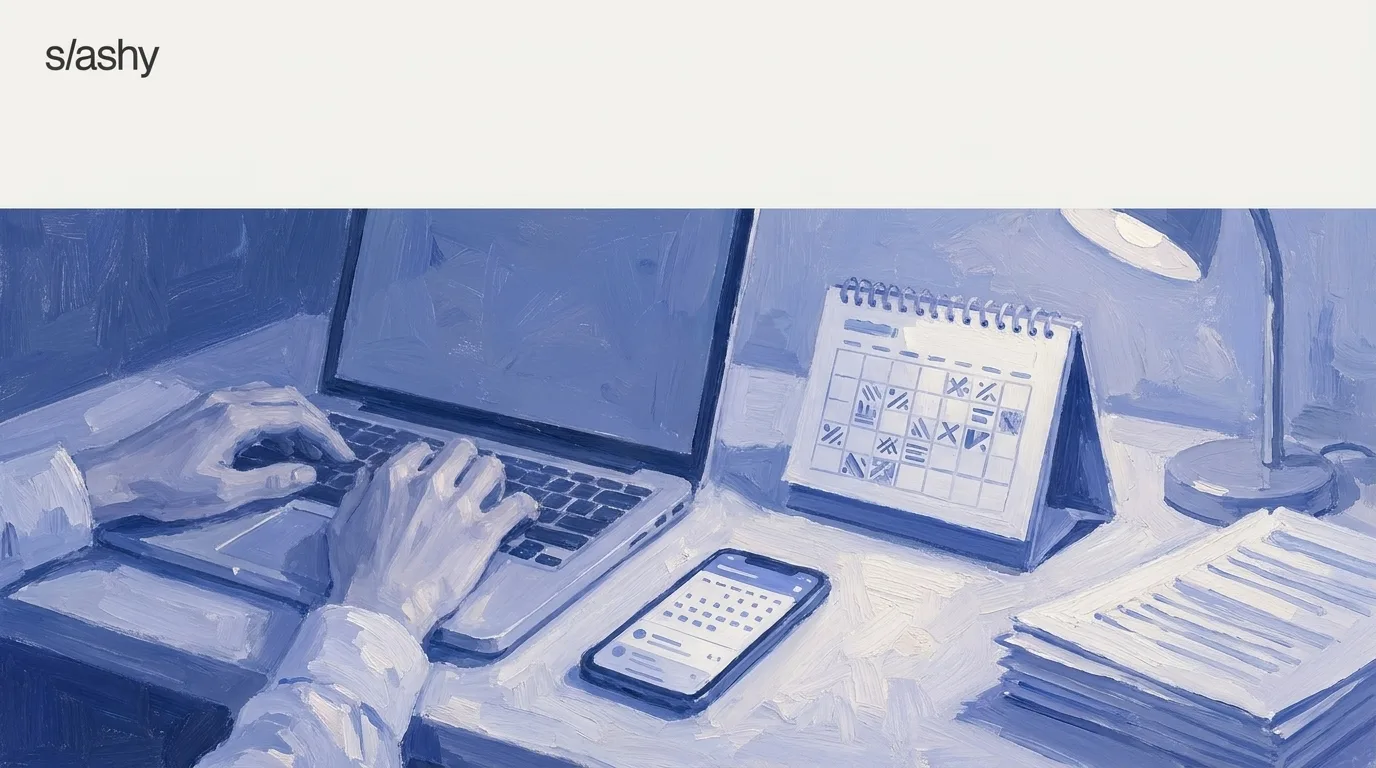
AI calendars automate the repetitive parts of scheduling so professionals can spend less time writing "How about Thursday at 2pm?" and more time on actual work. Slashy's calendar sidebar sits next to the inbox, so a meeting request gets a drafted reply with real availability attached instead of a manual calendar check. Acceptance rates on those drafts climb from around 30% on day 1 to over 80% by day 30 as the memory system learns your patterns.
This isn't a standalone calendar app bolted onto Gmail. Slashy was built AI-first from the first commit, with SOC 2 Type II and CASA Tier 2 compliance, data encrypted at rest and in transit, and a product that still feels sharp and indie rather than like enterprise software. The AI calendar category has also shifted meaningfully this year: Clockwise, one of the category's best-known names, shut down entirely on March 27, 2026, after Salesforce hired its team to build Agentforce rather than keep the standalone product running. That leaves fewer names to choose between, and makes it worth knowing exactly what each remaining one is actually good at.
How do AI calendars improve work-life balance?
AI calendars automate routine scheduling so professionals can focus on higher-priority work and their own time. Slashy's calendar sidebar lives next to the inbox, so meeting requests and availability questions get handled in one surface instead of toggling between apps. The memory system learns your typical availability windows, preferred meeting times, and how you usually respond to scheduling asks, then drafts replies that respect your focus blocks without a manual calendar audit every time someone asks for time.
The intelligence extends to follow-up reminders. Slashy tracks threads where you proposed times but never got a confirmation, and pings you if the other person goes quiet. That's one less mental checklist item, though the automation doesn't remove your judgment: you still approve the draft before it sends.
What are the key AI features in modern calendar apps?
Modern AI calendar apps offer smart scheduling that plans around your priorities, real-time adjustments when conflicts arise, and integration with the tools you already use. In Slashy, the AI reads a meeting request as it arrives in the inbox, checks your calendar, and drafts a reply with proposed times, all in the same surface. Over weeks, it recognizes who you meet with most, which days you prefer for external calls versus internal syncs, and how you phrase availability, so the draft looks like something you'd actually send rather than a generic template.
Real-time conflict resolution means Slashy tracks threads where a proposed time got countered or simply never confirmed, and flags it if the other person ghosts, so the meeting doesn't quietly fall through.
How do AI tools enhance team productivity and communication?
AI calendar tools cut the manual back-and-forth of coordinating schedules across people. Slashy's calendar sidebar sits next to the inbox, so the coordination happens in the same surface where the scheduling email actually arrives. When a teammate proposes a time, Slashy checks your calendar and drafts a reply that confirms or counters with slots that are actually open.
For distributed teams, this extends to time-zone patterns: the AI doesn't guess at your working hours, it learns them from which meeting times you've historically accepted or declined. That matters most for remote teams, where a manual calendar check across three time zones easily burns 10 to 15 minutes per thread.
Can AI calendars adapt to changing schedules effectively?
AI calendars adapt by learning from behavior over time rather than following a fixed rule set. Slashy's memory system tracks how you actually respond when conflicts arise. If you consistently move Monday-morning meetings to Tuesday afternoons, it starts proposing Tuesday slots first in future drafts. That adaptation isn't instant; it takes weeks of observed rescheduling before the system stops suggesting times you rarely accept, which is the same curve behind the day-1-to-day-30 draft acceptance jump.
Slashy prepares meetings, shares your availability, and coordinates the next time without another round of messages.
How do AI calendar integrations work with other tools?
For teams running a CRM (Attio, the founder and VC CRM, or HubSpot), Slashy folds that context into meeting scheduling. The AI recognizes pipeline stage and typical meeting cadence, so a first-call scheduling request gets different phrasing from a quarterly business review. The command palette (Cmd+K) surfaces calendar actions without switching apps: type a contact's name, see their availability, propose times. Calendar and email share the same memory system rather than being two separate integrations pretending to talk to each other, so the AI learns from both surfaces at once.
What privacy features do AI calendars offer?
Slashy maintains SOC 2 Type II and CASA Tier 2 compliance. The memory system learns your scheduling preferences, meeting cadences, and response patterns without storing that data on third-party AI servers, and all data is encrypted at rest and in transit. No calendar event details, email content, or contact names are retained by the LLM providers after inference completes, which is a different privacy posture than tools that route your full inbox through a general cloud AI service and rely on its terms of service to protect you.
Case studies: how have businesses benefited from AI calendar adaptability?
Startups with small teams wearing multiple hats get the most visible win: the calendar sidebar next to the inbox removes app-switching overhead entirely. Founders sending 200 emails a day get meeting replies drafted in context, with proposed times that respect existing focus blocks, and the AI recognizes who they meet with most and which days they reserve for external calls.
Remote teams see the memory system learn time-zone patterns and typical working hours across regions, while follow-up reminders catch threads where a proposed time never got confirmed. Across both cases, the underlying number is the same: draft acceptance climbs from around 30% on day 1 to over 80% by day 30, which is the practical measure of how much manual editing the system saves you once it has learned your patterns.
What to choose if...
Choose Slashy Professional ($30/user/month month-to-month, $25/user/month billed annually) if:
- You want a calendar sidebar that lives next to your inbox instead of a separate app.
- You want memory-based learning of your scheduling patterns and meeting preferences.
- You need AI drafts that reflect calendar context, drafting "I'm booked then" instead of a generic decline.
- You want CRM integration at the inbox tier without moving up to enterprise pricing.
- You send 100+ emails a day and treat calendar and email as one workflow, not separate tools.
Choose Reclaim if:
- You want task-list integration with calendar (Reclaim syncs with Asana, Linear, ClickUp, Jira, and Todoist).
- Your scheduling problem is "too many meetings eating focus time" rather than "too much time switching between calendar and email."
- You prefer calendar-only tools and don't need AI email drafting or voice learning. Reclaim's Lite plan is free; paid tiers start around $10/user/month billed annually for unlimited tasks and habits.
Choose Google Calendar if:
- You need a free solution and calendar-switching time doesn't bother you.
- Your inbox volume is low enough that manual scheduling works fine.
- You already use Google Workspace and prefer default tools.
Choose Motion if:
- You want AI to auto-schedule tasks from your project backlog, not just meetings.
- Your workflow centers on task management with calendar as a secondary surface.
If you were a Clockwise user: Clockwise shut down on March 27, 2026 after Salesforce acquired its team for Agentforce rather than continuing the product, and the company confirmed customer data was deleted. If focus-time protection and cross-team scheduling were the draw, Reclaim is the closest direct replacement. If the real friction was toggling between your calendar and your inbox all day, that's the gap Slashy is built to close.
Visit Slashy
AI-native email and calendar client for founders and operators.
Sources
- slashy.com
- slashy.com: pricing
- Reclaim: Clockwise vs. Reclaim.ai (Clockwise sunsetting March 2026)
- Yahoo Finance: Salesforce recruits team behind calendar app Clockwise into Agentforce
Frequently asked questions
Have more questions? Visit our Help Center.
Related reading
- AI Calendar Scheduling for Founders: Cut the Back-and-Forth
- Calendar AI That Protects Your Focus
- Slashy vs Reclaim: AI-Native Email and Scheduling Compared
Last updated: September 30, 2026
Connect Gmail or Outlook and see Slashy with your own email.

Clockwise Shutdown 2026: Salesforce Deal, Alternatives
Clockwise shut down on March 27, 2026 when Salesforce hired its team. Here is what happened to your Focus Time and scheduling links, and where to go next.

Meeting Notes Email Integration: Granola vs Fathom vs Circleback
Granola syncs meeting notes both ways but skips the transcript. Fathom, Circleback, Otter and Fireflies are read-only and carry the full record. Compared.

Circleback Email Integration: Sync Transcripts and Action Items
Connect Circleback to Slashy so transcripts, action items and participants land on the matching calendar event, ready for the follow-up you write next.
Let your inbox do the follow through
Slashy drafts replies, tracks what is waiting, and keeps important conversations moving.