Clockwise Shutdown 2026: Salesforce Deal, Alternatives
Clockwise shut down on March 27, 2026 when Salesforce hired its team. Here is what happened to your Focus Time and scheduling links, and where to go next.

Harsha Gaddipati
Sep 5, 2026 · 8 min read
Clockwise shut down on March 27, 2026 after Salesforce hired the team to work on Agentforce. The product is gone, Smart Holds and scheduling links stopped working, and customer data was deleted rather than transferred. Clockwise itself pointed users to Reclaim. Which replacement is right depends on whether you actually needed focus-time defense or were really fighting your inbox.
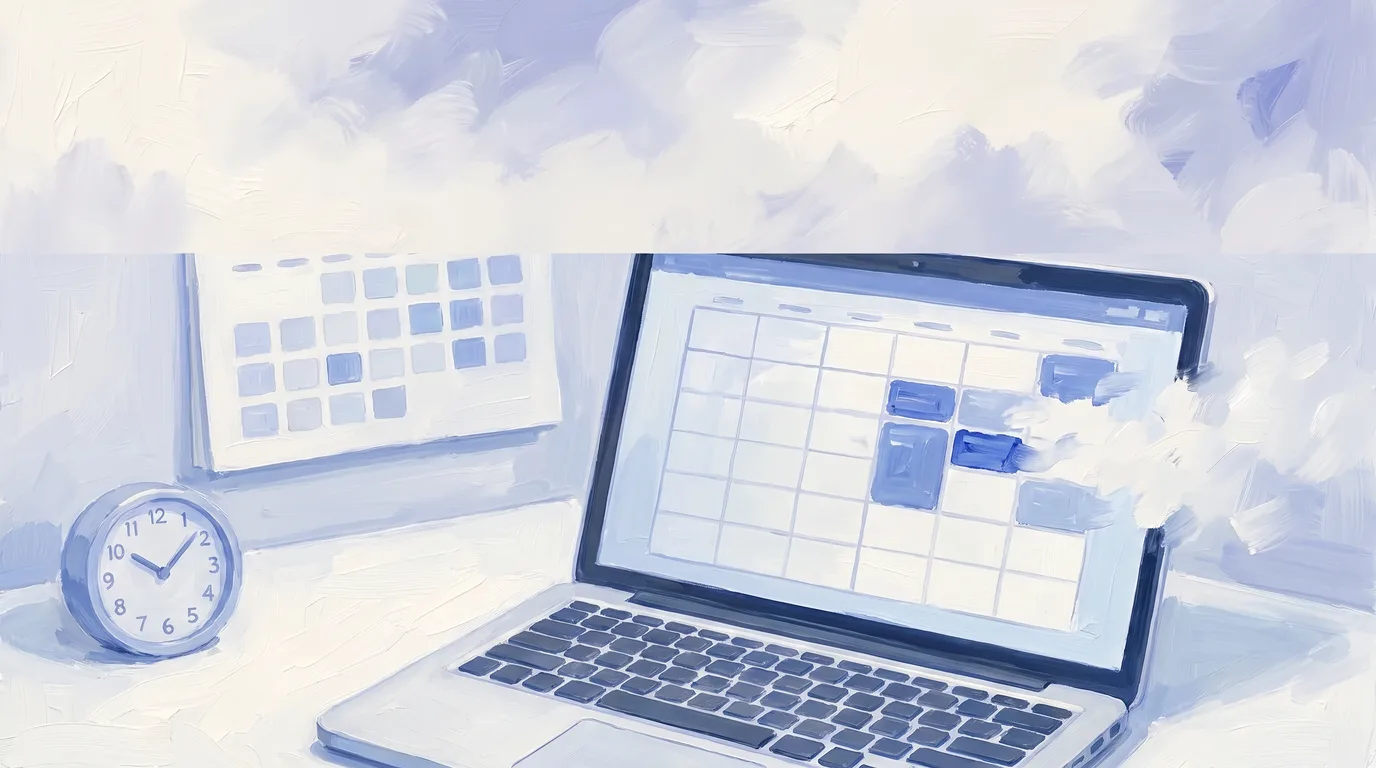
If you are reading this because your Focus Time blocks vanished, here is what happened. Clockwise announced that its team was joining Salesforce and that the product would no longer be available starting March 27, 2026. This was an acquihire, not an acquisition of the product. Clockwise had created over 8 million hours of Focus Time and moved 23 million meetings for customers including Uber, Netflix and Atlassian, and then it stopped.
What happened to Clockwise?
The Clockwise team joined Salesforce to work on what Salesforce calls the Agentic Enterprise. The product was shut down as part of that move. From Clockwise's own announcement:
- The product went away on March 27, 2026. Access ended on that date.
- Smart Holds were deleted. Focus Time, Travel Time, Meeting Breaks and synced personal-calendar events were removed from calendars. Flexible Meetings stopped moving.
- Scheduling links stopped working. Clockwise told customers to move their links to another service immediately and named Reclaim.
- Data was deleted, not transferred. Clockwise confirmed Salesforce received no customer data and that calendar preferences, scheduling links and Focus Time settings were deleted shortly after access ended.
If you never exported, there is nothing to retrieve. The practical question now is what to replace it with.
What is the best Clockwise alternative?
It depends which half of the problem you had. Clockwise did two quite different jobs: it defended focus time by rearranging internal meetings, and it handled scheduling links and availability. Most people who miss it only miss one of those.
| Tool | Starting price | What it replaces from Clockwise | What it does not do |
|---|---|---|---|
| Reclaim | Free (Lite); $10 per seat/month | Focus Time defense, habits, buffer time, smart meetings, scheduling links | Does not touch email |
| Motion | $19 per seat/month | Auto-scheduling around tasks and projects | Not focused on team focus-time defense; no email client |
| Vimcal | Free (iOS only); $25/month billed yearly | Fast booking, availability sharing, time-zone handling | No focus-time automation, no email |
| Google Calendar | Included with Workspace, from $7 per user/month | Manual focus-time blocks, working hours | No automatic rearranging, no AI |
| Slashy | $25/month billed annually | Calendar sidebar and scheduling from inside the inbox | Not a team focus-time optimizer |
Prices as shown on each vendor's pricing page on September 5, 2026: Reclaim, Motion, Vimcal, Google Workspace, Slashy.
Is Reclaim the right replacement for Clockwise?
For most former Clockwise users, yes. Clockwise named Reclaim in its own shutdown notice as the service to move scheduling links to, and Reclaim covers the same ground: Focus Time, Habits, Buffer Time, Smart Meetings and scheduling links.
Reclaim's Lite tier is free forever with one scheduling link and a one-week scheduling range. Starter is $10 per seat per month and raises that to ten AI agents per seat, three calendar syncs and three scheduling links. Business is $15 per seat per month with unlimited syncs and links plus delegated access for executive assistants, which matters if an EA used to manage your Clockwise setup. Enterprise is $22 per seat per month.
The honest caveat: you are replacing one calendar-automation startup with another calendar-automation startup. That is the same category risk that just cost you your Focus Time blocks.
Slashy prepares meetings, shares your availability, and coordinates the next time without another round of messages.
What if the real problem was your inbox, not your calendar?
This is worth sitting with before you buy another calendar tool. Clockwise moved meetings around to create focus blocks, but for a lot of people the meetings were not the thing eating the day. The inbox was, and the calendar was just where the damage showed up.
If you spent your protected focus block reading email, a focus-time optimizer was treating a symptom. The signal is simple: look at what you actually did inside your last five Focus Time blocks. If most of them went to triage, replies and scheduling back-and-forth, more protected time will not fix it.
"I was spending more time orchestrating AI than actually replying. Now I approve more than I compose. It just reads my mind."
Michelle, The Prompting Company
Slashy is built for that version of the problem. The calendar sits in a sidebar next to the inbox, so proposing times and booking a meeting happens inside the thread that prompted it rather than in a separate app. AI drafts replies in your voice, and draft acceptance climbs from around 30% on day one to over 80% by day 30 as the memory system learns how you write. It is not a team focus-time optimizer and it will not rearrange your colleagues' meetings. It removes the inbox work that was consuming the focus time in the first place.
What to choose if...
- You need focus-time defense across a team: Reclaim. It is the closest functional match and the one Clockwise pointed to.
- Your scheduling links broke and that is the whole problem: Reclaim's free Lite tier, or Vimcal's free iOS tier if you mostly book from your phone.
- You want tasks auto-scheduled into your calendar: Motion.
- You book a high volume of external meetings: Vimcal, which is built around booking speed and time-zone handling.
- An executive assistant managed your calendar: Reclaim Business for delegated access, or Vimcal EA Scheduling at $85 per month, $68.75 billed yearly.
- Your focus blocks kept getting eaten by email: an AI-native email client with a calendar in it, like Slashy.
- You want to spend nothing: Google Calendar's own focus time and working hours, if you are on Workspace.
How do you avoid this happening again?
You cannot fully. Clockwise was nearly a decade old with recognizable enterprise customers and it still went away. Two things reduce the damage:
Export before you need to. Clockwise deleted preferences, links and settings shortly after access ended. Whatever calendar tool you pick, know how to get your scheduling links and settings out.
Prefer tools where the data lives somewhere you already control. Clockwise wrote Smart Holds into your Google Calendar, which is why they could be pulled back out. Tools that work on top of Gmail and Google Calendar leave your mail and events in your own Google account if the vendor disappears.
Frequently asked questions
Have more questions? Visit our Help Center.
Related reading
- Slashy vs Reclaim: AI-Native Email and Scheduling Compared
- Slashy vs Vimcal: Detailed 2026 Feature and Pricing Comparison
- AI Calendar Guide: Enhance Work-Life Balance With Smart Scheduling
Competitor prices and features were checked against each vendor's published pages on September 5, 2026 and are linked above. Clockwise is a trademark of Clockwise, Inc. Reclaim, Motion, Vimcal, Google Calendar and Google Workspace are trademarks of their respective owners. Slashy is not affiliated with or endorsed by any of them.
Last updated: September 5, 2026
Connect Gmail or Outlook and see Slashy with your own email.

Slashy vs Reclaim 2026: AI-Native Email and Scheduling
Compare Slashy and Reclaim to see which AI tool fits your workflow needs best in 2026.

Slashy vs Vimcal: Detailed 2026 Feature and Pricing Comparison
Compare Slashy vs Vimcal in 2026. Explore feature differences, pricing, and unique value propositions to decide which suits your startup best.
AI Calendar Guide: Enhance Work-Life Balance with Smart Scheduling
Discover how AI calendars enhance work-life balance with smart scheduling, app integrations, and productivity boosts for 2026.
Let your inbox do the follow through
Slashy drafts replies, tracks what is waiting, and keeps important conversations moving.