Slashy MCPBring your inbox into the AI tools you use
Slashy drafts your replies, triages your inbox, and tracks every follow up with context from your email, meetings, and CRM.
7 day trial · credit card required · cancel any timeYBacked by Y Combinator
“The first email client that understands my style and lets me respond faster and more naturally.”

Slashy plugs into your Gmail and handles it, then texts you what actually needs you.
It finds the right thread, uses the full context, and sends the finished draft back in iMessage.
Get the result by text, request changes, or send it without opening email.

Not a generic suggestion. Slashy writes it from the meeting you just had, the record in your CRM, and everything you have said to this person before, in your voice. You read it and hit send.
Before we proceed, I’d need to understand how this affects our IP and the team.
SendSlashy finds every thread waiting on your reply and every one that went quiet on their side, ranks them by urgency, and has the nudge drafted.
Slashy texts you when someone who matters writes. Text back to reply, send, or schedule, without opening the inbox.
Shortcuts, scheduling, integrations, tracking, and team tools are built into the same intelligent inbox.
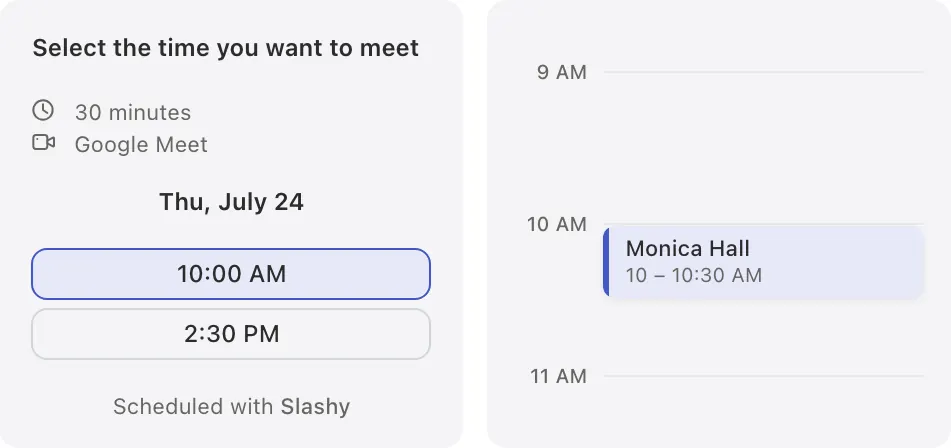
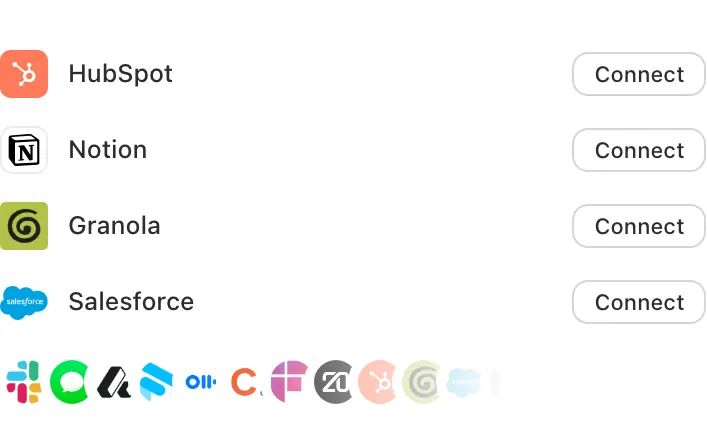
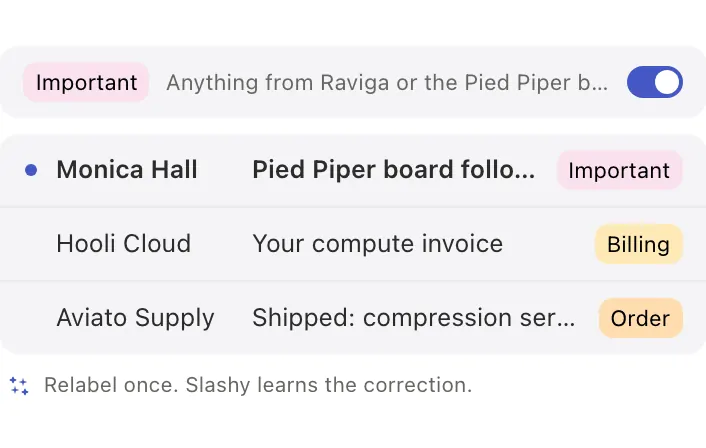
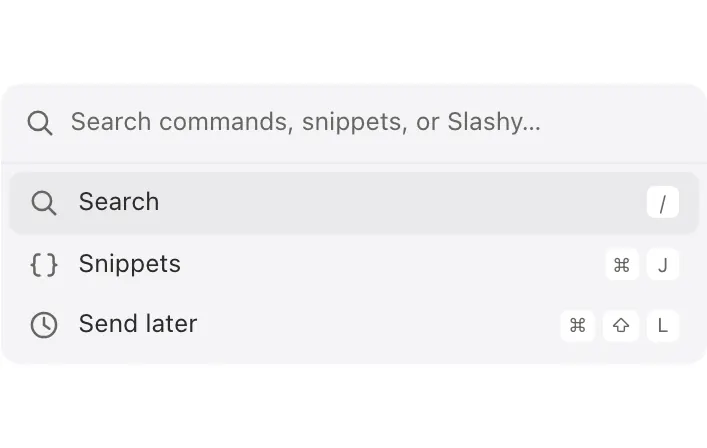
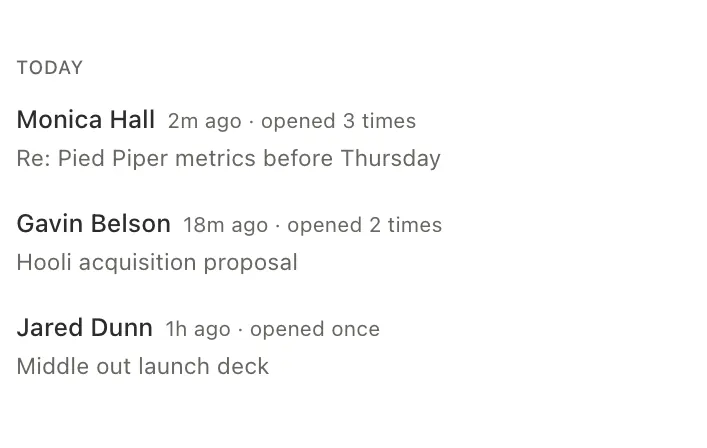
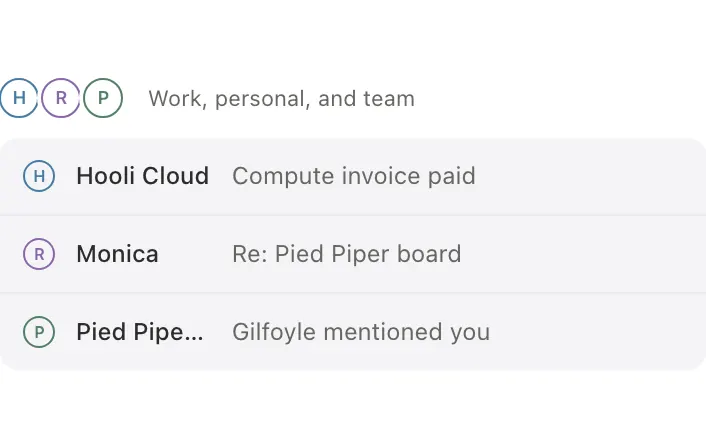
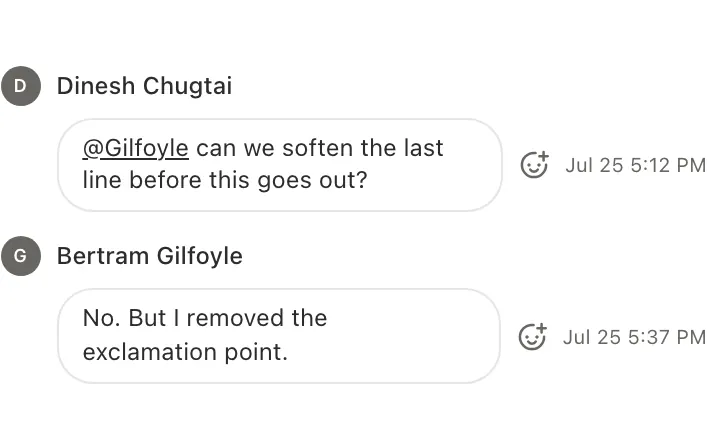
Set the rule once. Slashy handles the next step when an email arrives, a meeting approaches, or a thread goes quiet.
Before every meeting, Slashy drops a brief: who you’re meeting, the latest threads, and the CRM context, so you walk in ready.
When someone who matters emails, Slashy pings you on iMessage or Slack so it never gets buried in the noise.

SlashyApp9:00 AM
Ron LaFlamme has not heard back on the side letter in 3 days. I drafted the nudge in your voice, want me to send it?
Richard Hendricks9:02 AM
@Slashy send it
SlashyApp9:02 AM
Sent. I’ll flag it if he goes quiet again.
Owe a reply? Slashy nudges you before it slips, and can have the draft waiting when you get to it.
 Priscilla RussoInvestor, Redpoint
Founders remember who got back to them first. Now I'm always that person.
 MichelleFounder, The Prompting Company
I was spending more time orchestrating AI than replying. Now I approve more than I compose. It just reads my mind.
 Tan CaoFounder of Peerpop
Slashy automated the most annoying parts of customer support. Best part is talking to the founders when I hit trouble.
Gemini summarizes and tidies. Slashy acts: it drafts from your meetings and CRM, finds the replies you owe, and chases them. It connects to your Gmail, so you keep everything you have and add what it lacks.
7 day trial · credit card required · cancel any time
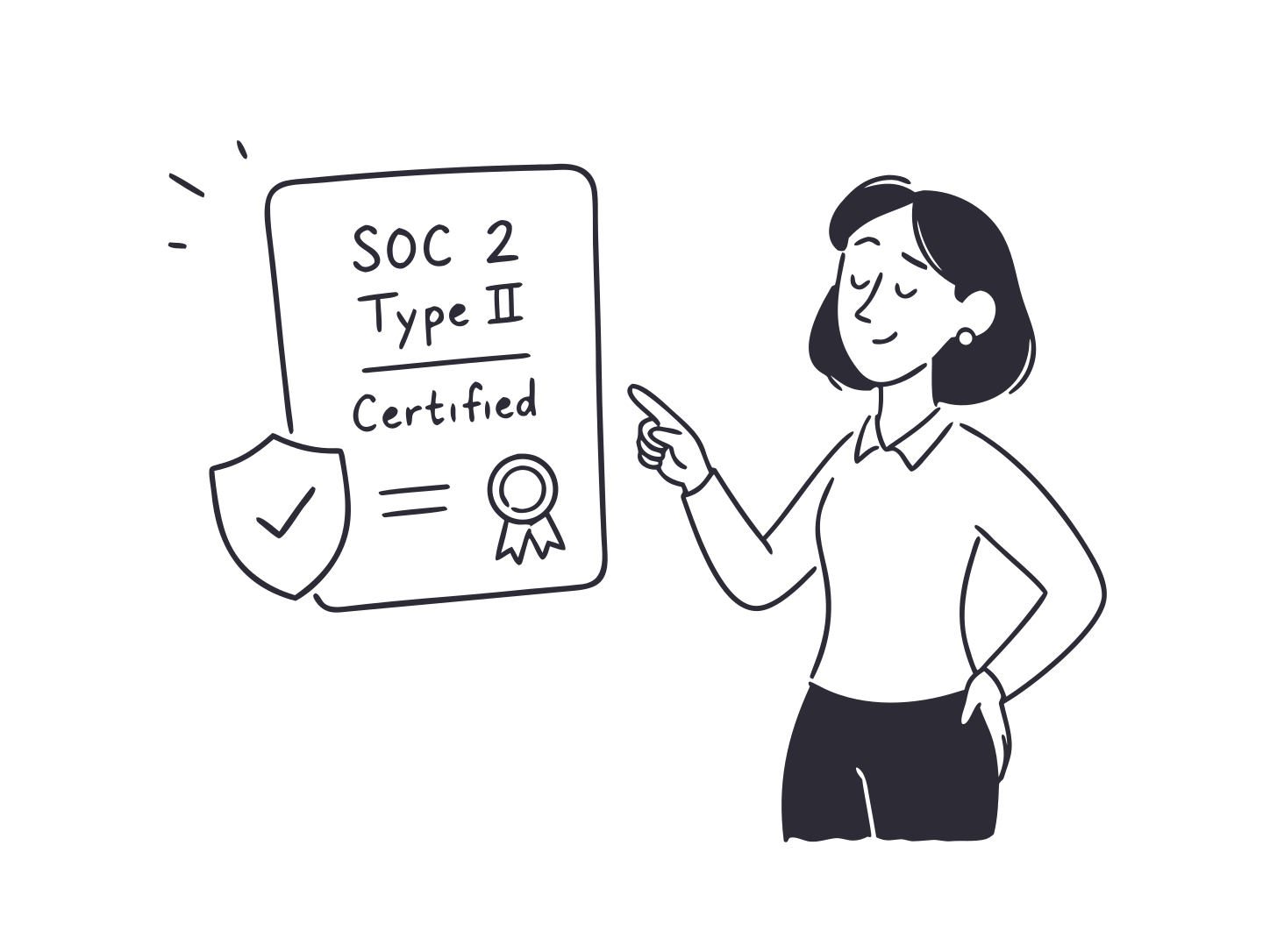
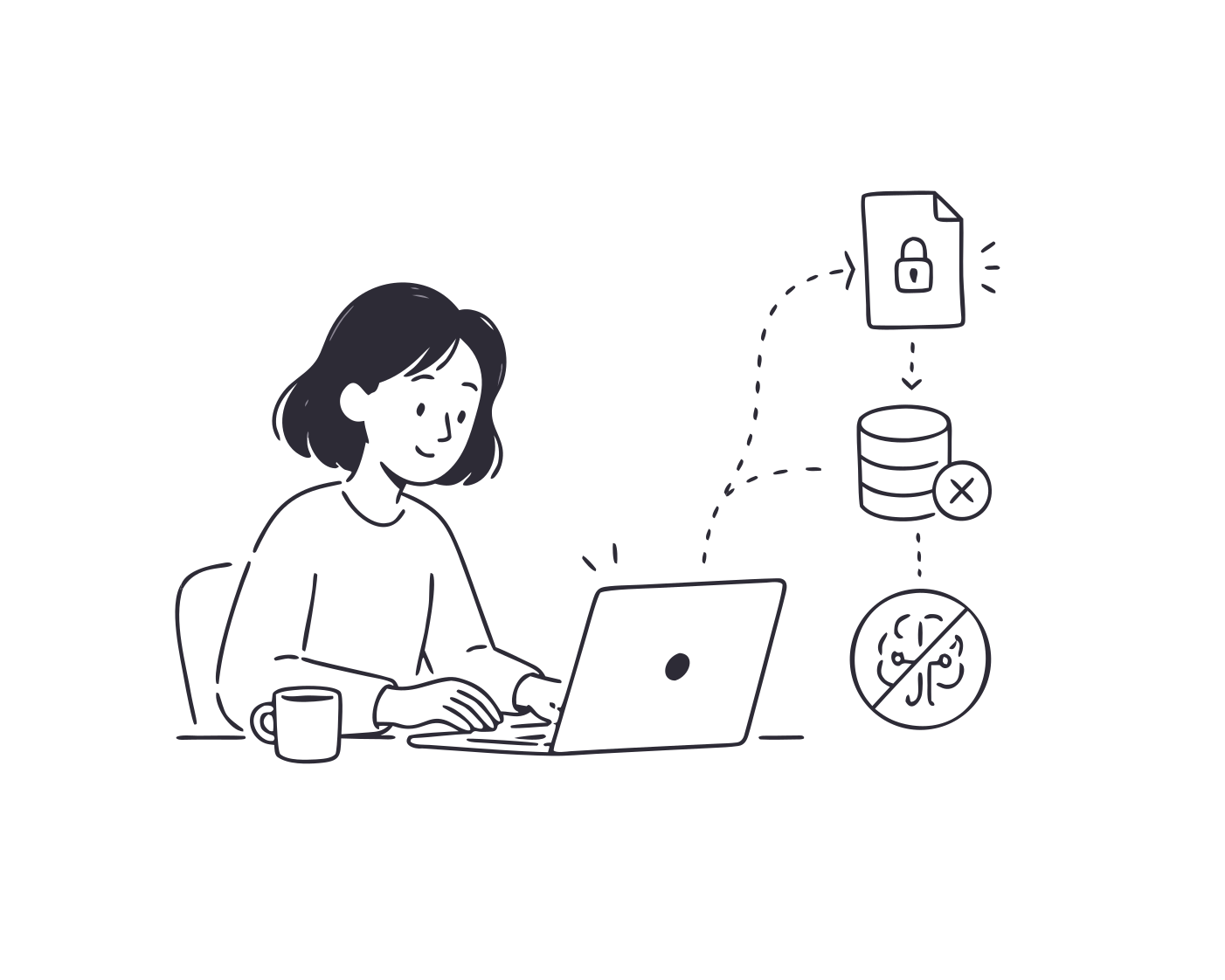
Your data is encrypted, never used to train AI models, and protected by independently audited controls.
Your data is encrypted in transit with TLS 1.2+ and at rest with AES 256 encryption.

Independent auditors evaluate our controls against the AICPA Trust Services Criteria for security and confidentiality.
Your emails are never used to train models. Our agreements require AI providers not to retain them.
7 day trial · credit card required · cancel any time